⚡New: AI Voice Commands Available
Your Friendly Helper for Using Any App
Using mobile apps shouldn’t be confusing or stressful.
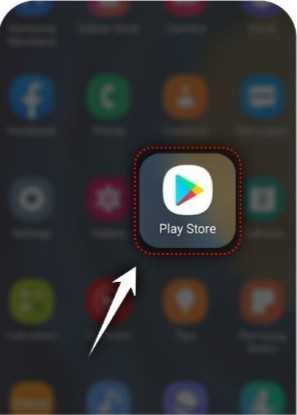
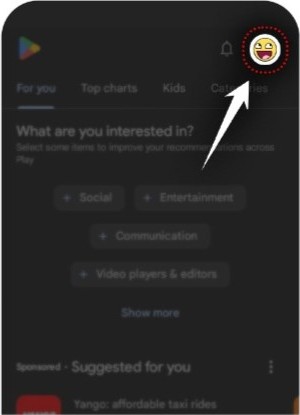
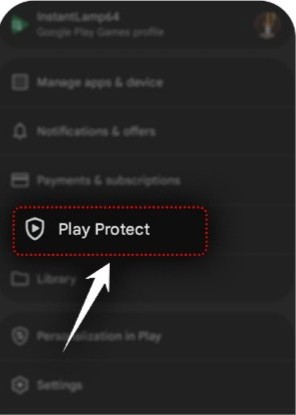
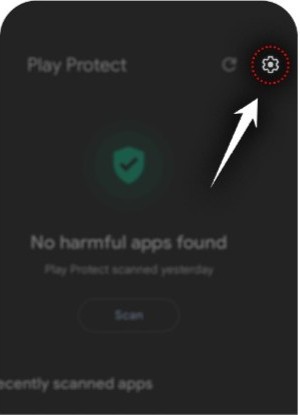
EZguide AI shows you exactly what to do, step by step, right on your screen.
Whether you want to post a video, send a photo, or change a setting, EZguide AI gently guides you through every step, just like a helpful person sitting next to you.
No technical knowledge needed. No guessing. No frustration.
Just ask, and EZguide AI will guide you.
What You Can Do with EZguide AI
Your phone finally explains itself to you. Master any app with confidence.
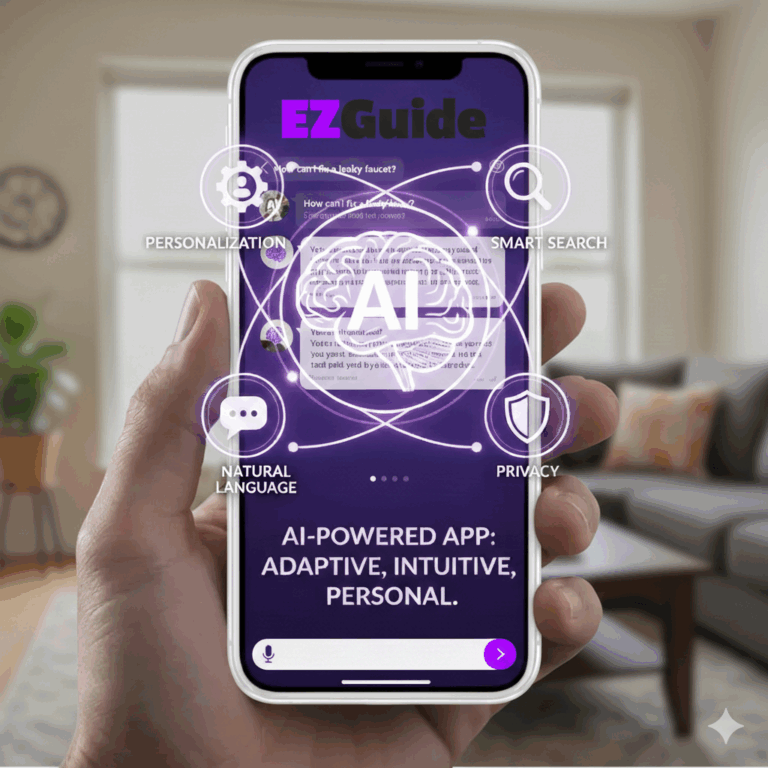
Get step-by-step help on your screen
EZguide AI shows you exactly where to tap and what to do next, right on your phone screen.
Ask questions by speaking or typing
Just talk naturally or type your question — EZguide AI listens and responds clearly.
Learn how to use any app easily
From WhatsApp and TikTok to Google Drive and Canva, EZguide AI helps you use any app with confidence.
Complete tasks without watching videos
No need to search YouTube or websites. EZguide AI explains everything inside the app as you go.
Ask again if something is unclear
Didn’t understand a step? Ask again. EZguide AI patiently explains in a simpler way.
Save guides for later use
Your guides are saved automatically so you can repeat the same task anytime, even offline.
SIMPLE PROCESS
How EZguide AI Works
Choose an App
Select the app you want help with (TikTok, Instagram, WhatsApp, Google Drive, Canva, and more)
Ask What You Want to Do
Type or say what you want to do, like " Post, Share, Edit. Create, Set up something "
Follow On-Screen Guidance
EZguide AI highlights exactly where to click in real time. Just follow the steps.
Why Elderly Users Love EZguide AI ❤️
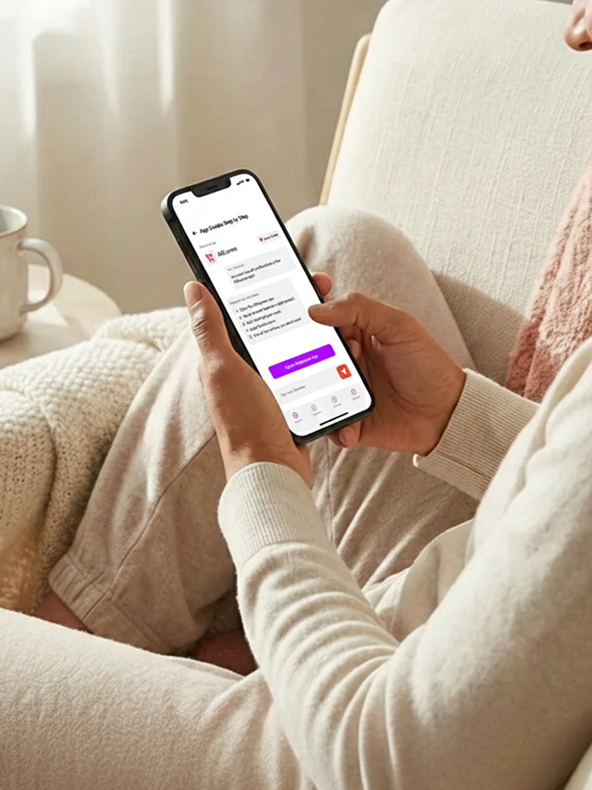
EZguide AI is designed especially for, Seniors and elderly users, People who feel confused using new apps, Anyone who doesn’t want to watch long YouTube videos, Anyone who wants clear, simple help instantly.
If you’ve ever thought: “I wish someone would just show me what to tap…”
EZguide AI is made for you ❤️
- Clear instructions with no technical words
- Large, easy-to-follow steps
- Friendly guidance without pressure
- Helps build confidence using smartphones
- No fear of “doing something wrong”
- You stay in control at all times.
What Makes EZguide AI Special?
On-Screen Step-by-Step Guidance
EZguide AI doesn’t just explain,
it guides you on your screen, telling you exactly where to tap and what to do next.
No memory needed. No notes. Just follow along.
No More YouTube or Website Searching
Forget pausing videos, rewinding, or reading confusing articles.
Talk or Type – Your Choice
EZguide AI understands you and responds kindly.


Why I Built EZguide AI
As smartphones keep changing, many older adults feel left behind. Simple things like changing a setting or using a new app shouldn’t feel stressful or embarrassing.
I built EZguide AI so people don’t have to rely on others every time something changes on their phone. The goal is simple: clear guidance, explained calmly, step by step, so anyone can use their device with confidence and independence.
— Justin Crowder
Founder, EZguide AI
Trusted by Thousands of Users
Helping people use their phones with confidence every day